Point to the change you want.
Select an image region and describe the adjustment. Review the AI-generated candidate, then accept it as a new revision or reject it. Continue working with the image, layers, and manual tools.
Make your own adjustments to layers, text, masks, and colors. Describe the change you want AI to make to an image region, review the result, and accept it into the project. Keep working by hand and with AI as the image takes shape.
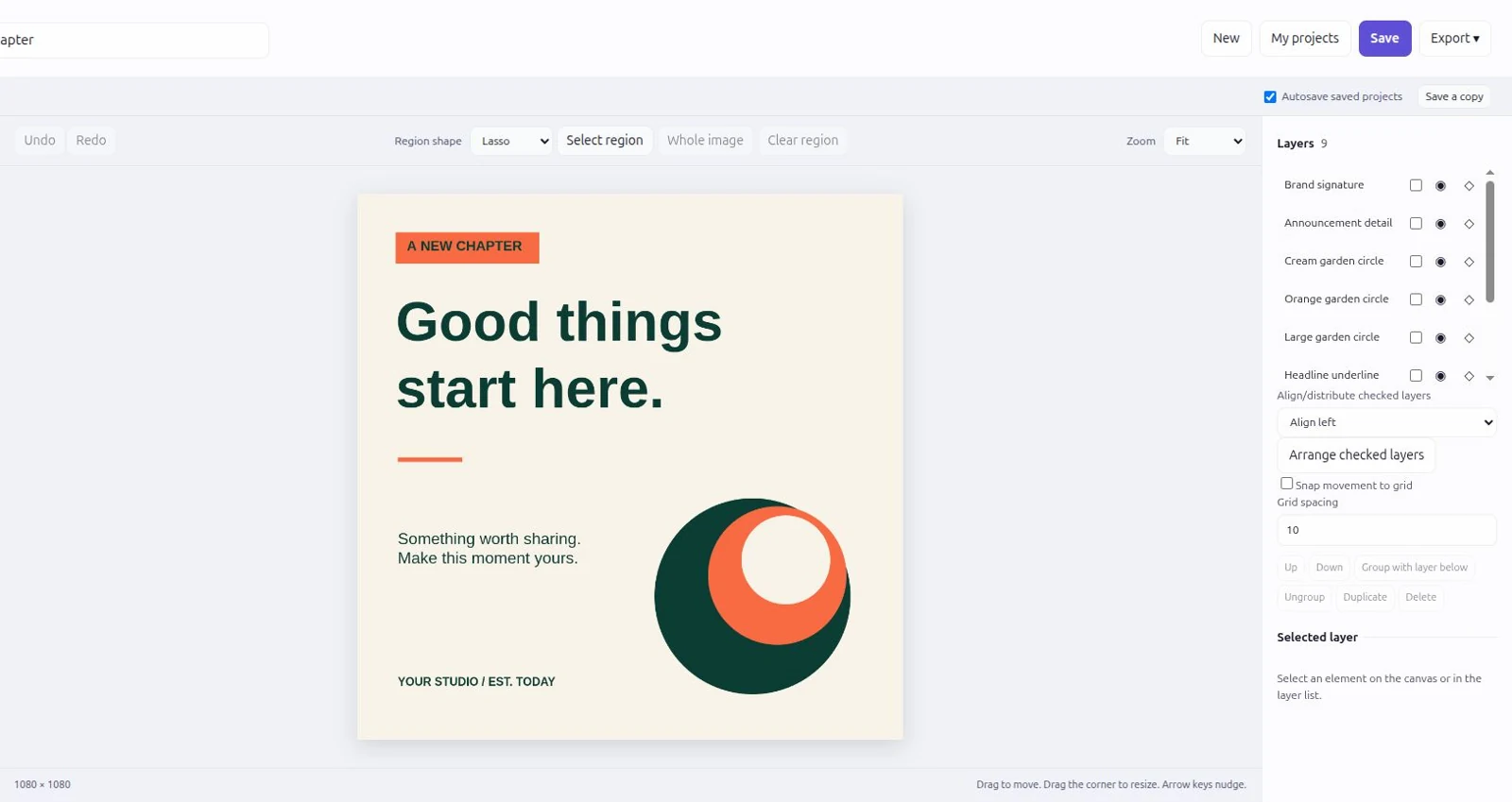
Select an image region and describe the adjustment. Review the AI-generated candidate, then accept it as a new revision or reject it. Continue working with the image, layers, and manual tools.