 1:27
Platform / Core & connections
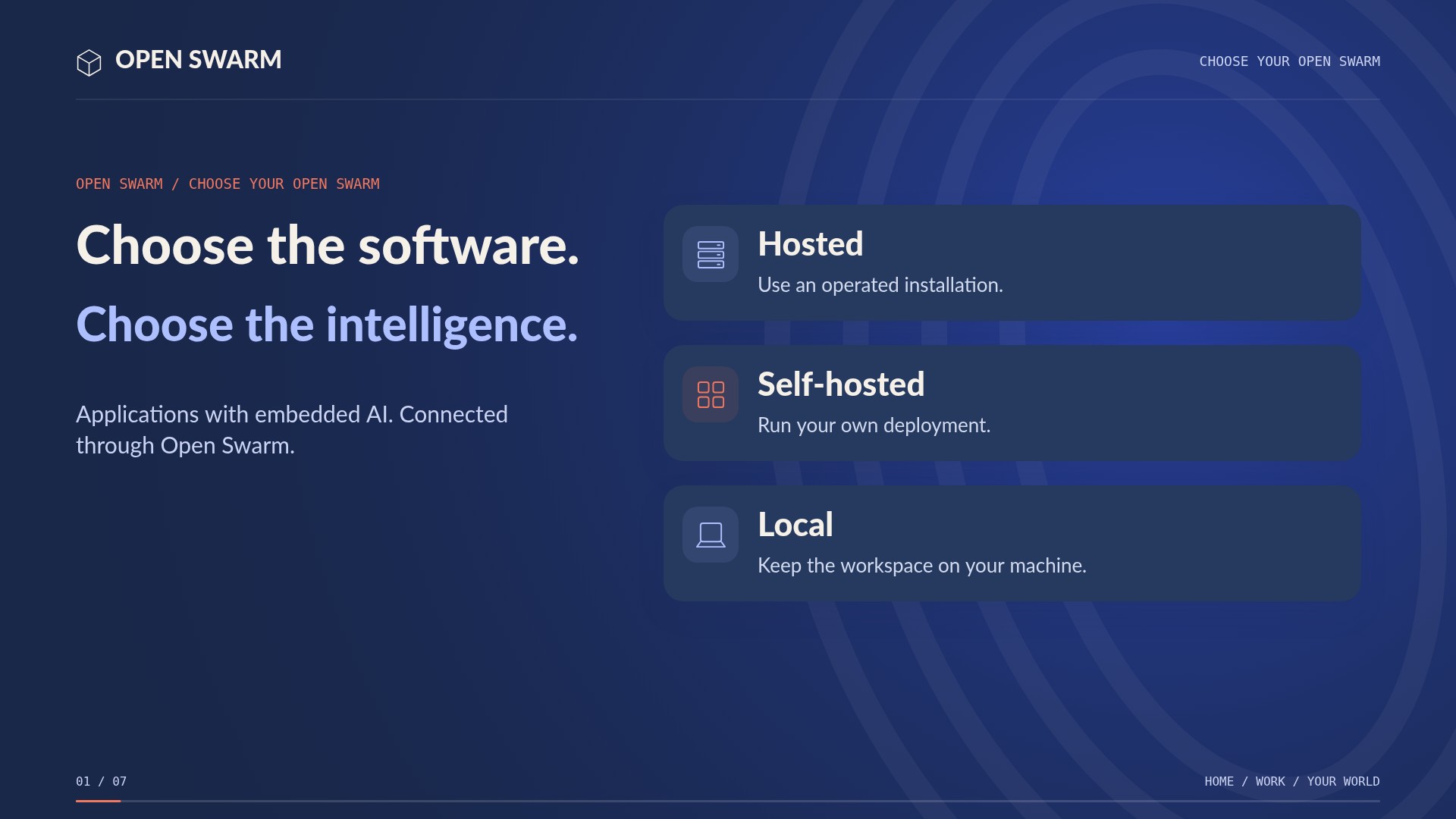
Your software. Your intelligence. Your choice.
See and use real applications, with embedded AI concierges beside you. Make an easy change yourself, or discuss it and have the concierge handle available updates. Connect the work with agents, services, models, and workflows on infrastructure you choose.
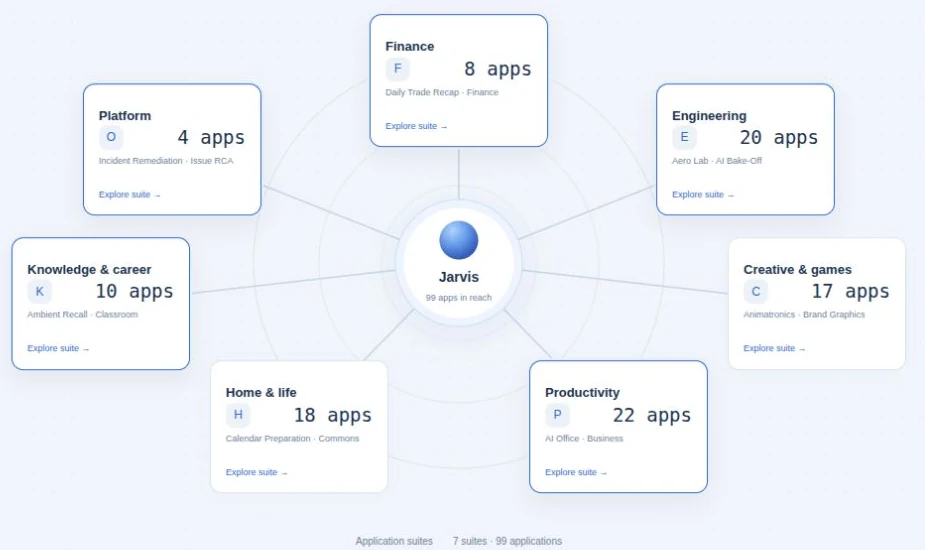
The useful details
What you can do.
- Home, business, finance and learning platformWatch the explanation ↗
- Application access and protected credentialsWatch the explanation ↗
- Supported connectors and toolsWatch the explanation ↗
- Workflow authoring and approval gatesWatch the explanation ↗
- Bot Forge draftsWatch the explanation ↗
- Compatible model and harness choiceWatch the explanation ↗
- Hosted, self-hosted and local optionsWatch the explanation ↗
- Phone access and enrolled satellite workersWatch the explanation ↗
- Identity Hub account launching and access reviewWatch the explanation · 0:35 ↗
- Cloud operations with configured credentialsWatch the explanation · 0:35 ↗
- Developer documentation indexingWatch the explanation · 0:47 ↗
- AI Bake-Off quality/cost comparisonWatch the explanation · 0:47 ↗
- Detailed local installation and provider setupWatch the explanation · 0:10 ↗
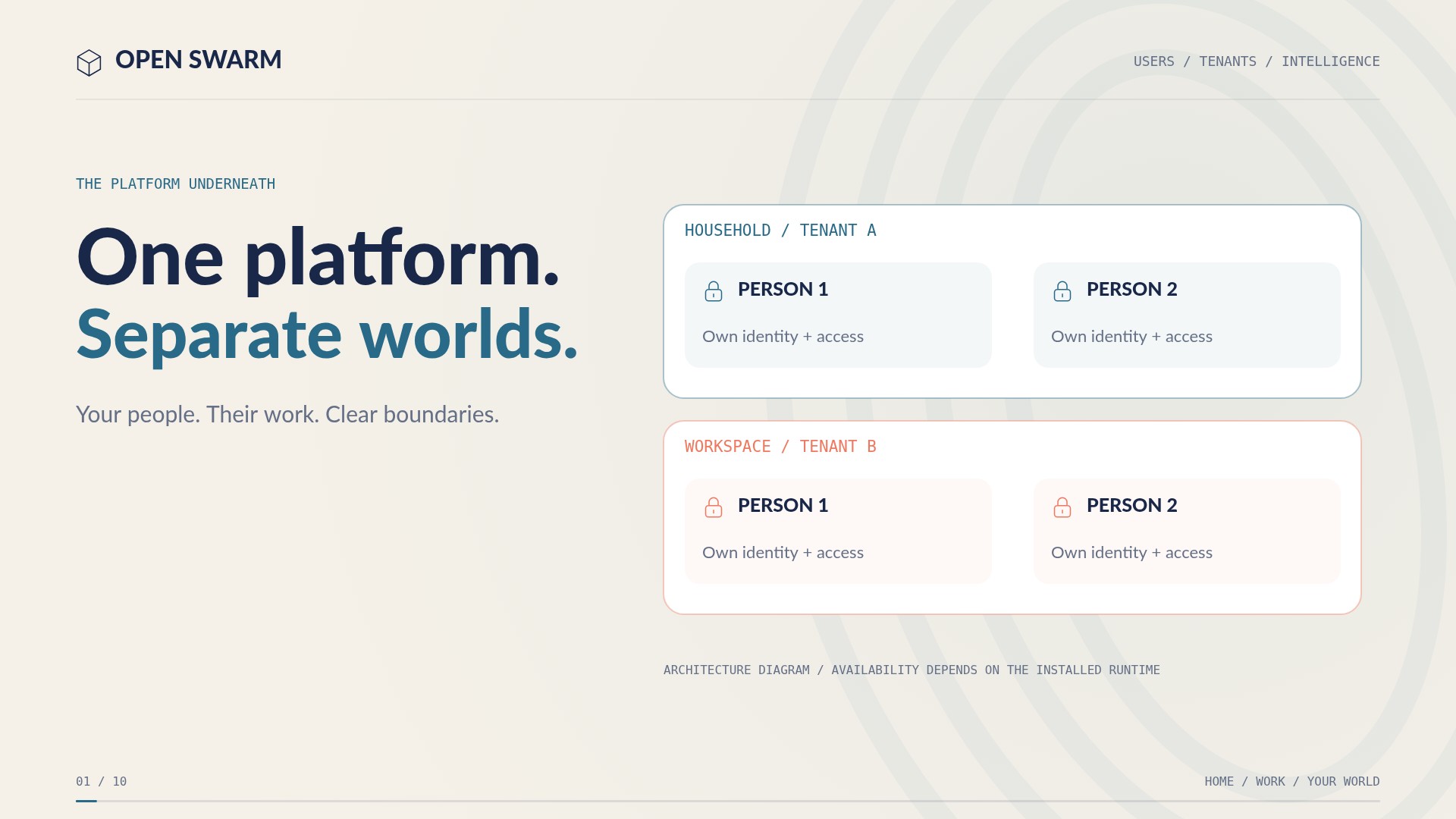
- Multi-user identity and multi-tenant workspace boundariesWatch the explanation · 0:32 ↗
- Caller, tenant and capped administrator provider fundingWatch the explanation · 0:49 ↗
- Bot configuration, model selection and task routingWatch the explanation · 1:07 ↗
- Application sharing and private credential boundariesWatch the explanation · 2:07 ↗
- Windows WSL 2 and Docker prerequisitesWatch the explanation · 0:29 ↗
- Published native GHCR kernel, PowerShell installer and real password setupWatch the explanation · 0:57 ↗
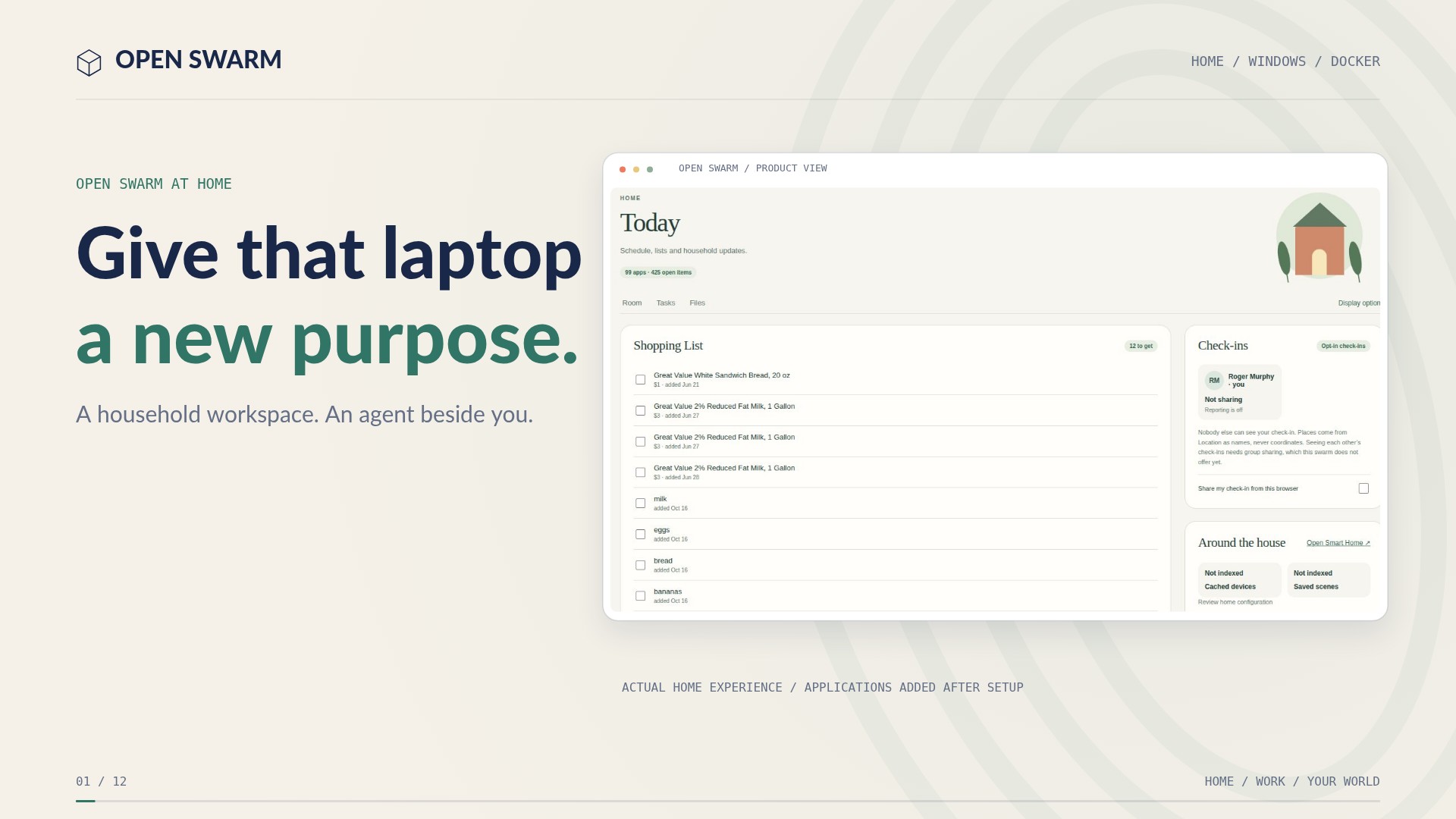
- Selected home applications, family users and optional account runtimeWatch the explanation · 1:51 ↗
- Small-laptop capacity, persistent storage and restart commandsWatch the explanation · 2:45 ↗
Setup & availabilityCompatibility depends on adapters, model endpoints, tools, and worker support. Hosted, self-hosted, and supported local deployments have different requirements. Current native runtime prerequisites are Linux-based; universal native Mac and Windows installer parity is not claimed.
A closer look
See the features.
1:27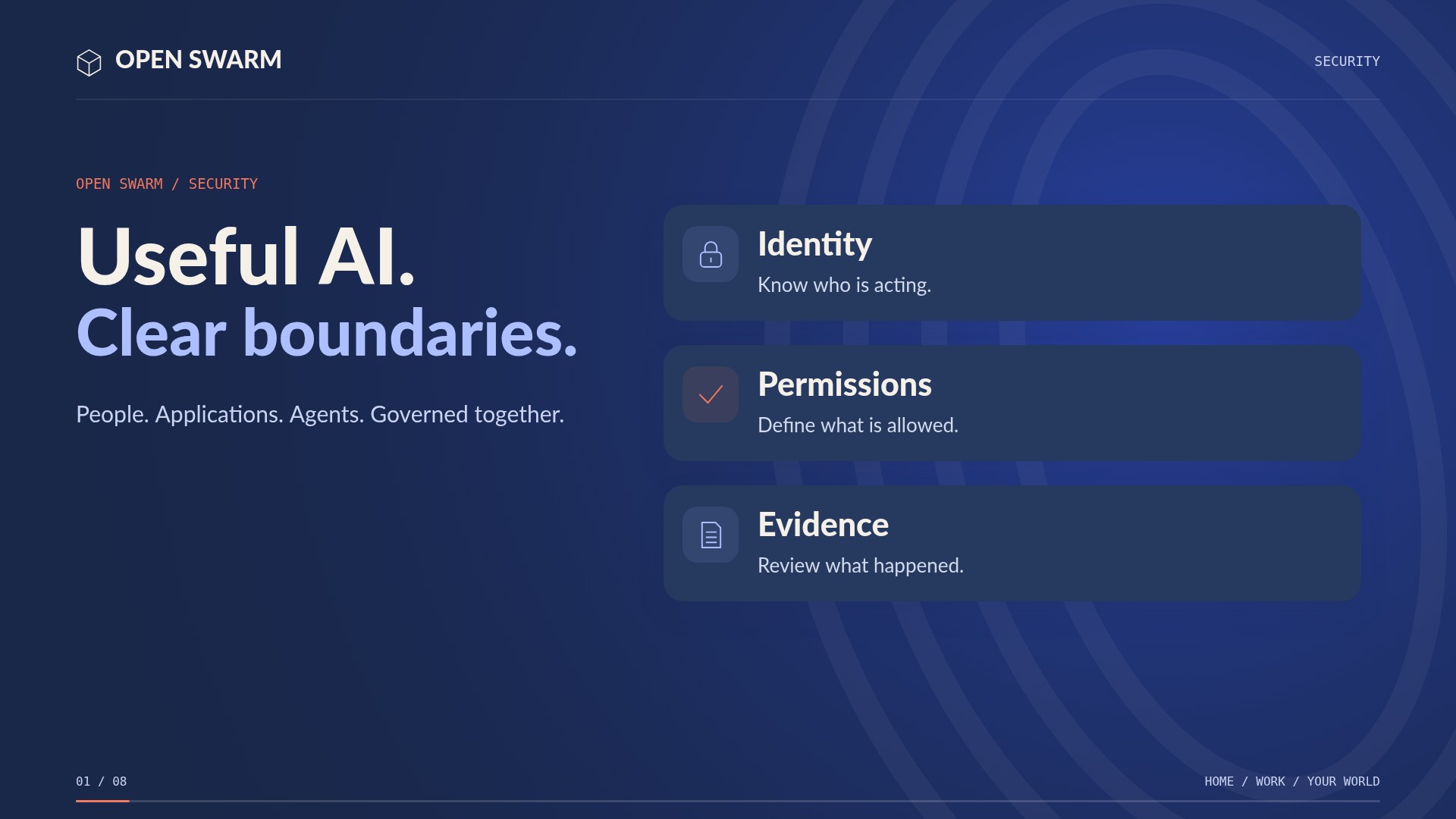 1:13
Useful AI. Clear boundaries.
 1:13
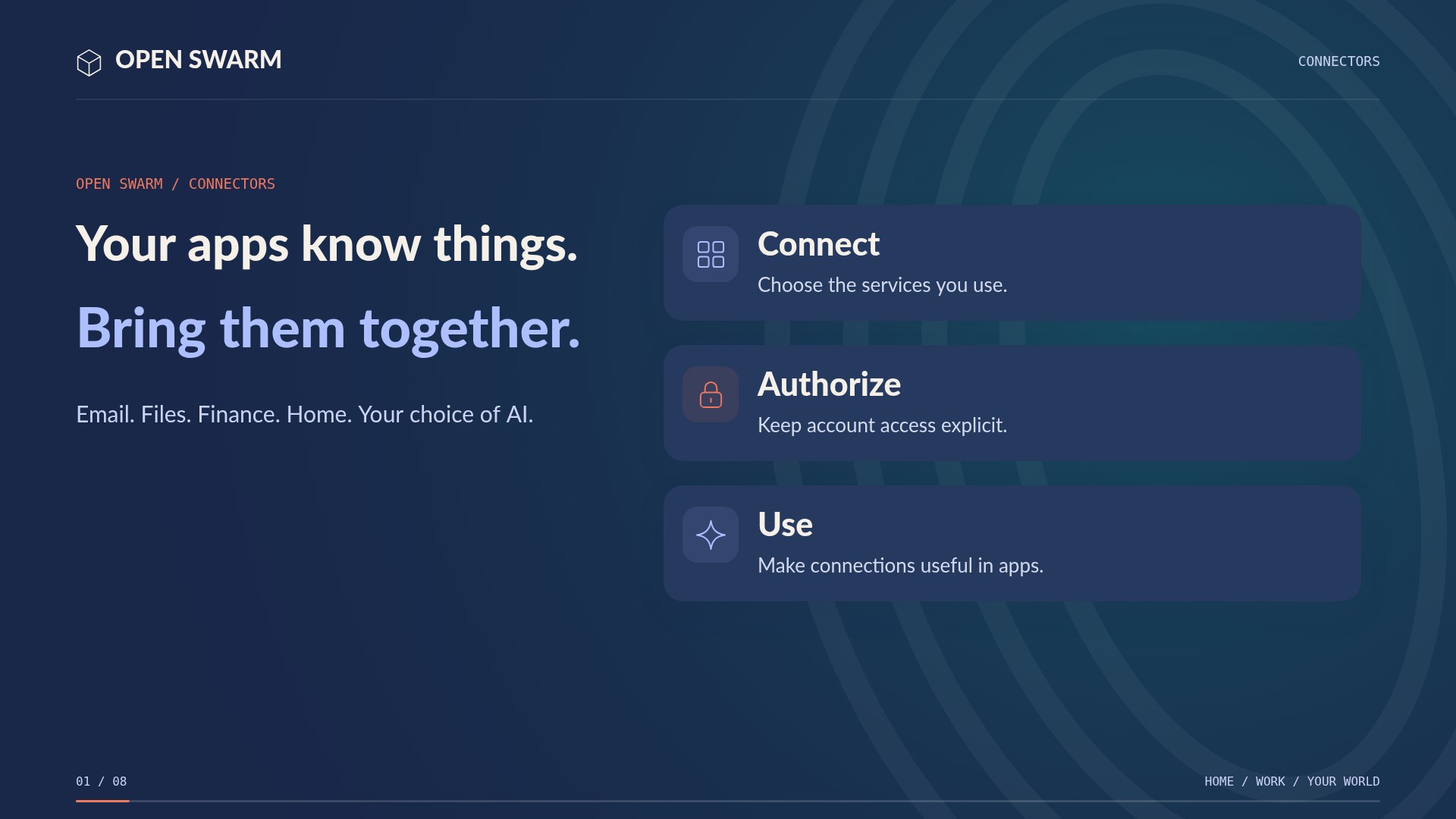
Your services, working together.
 1:04
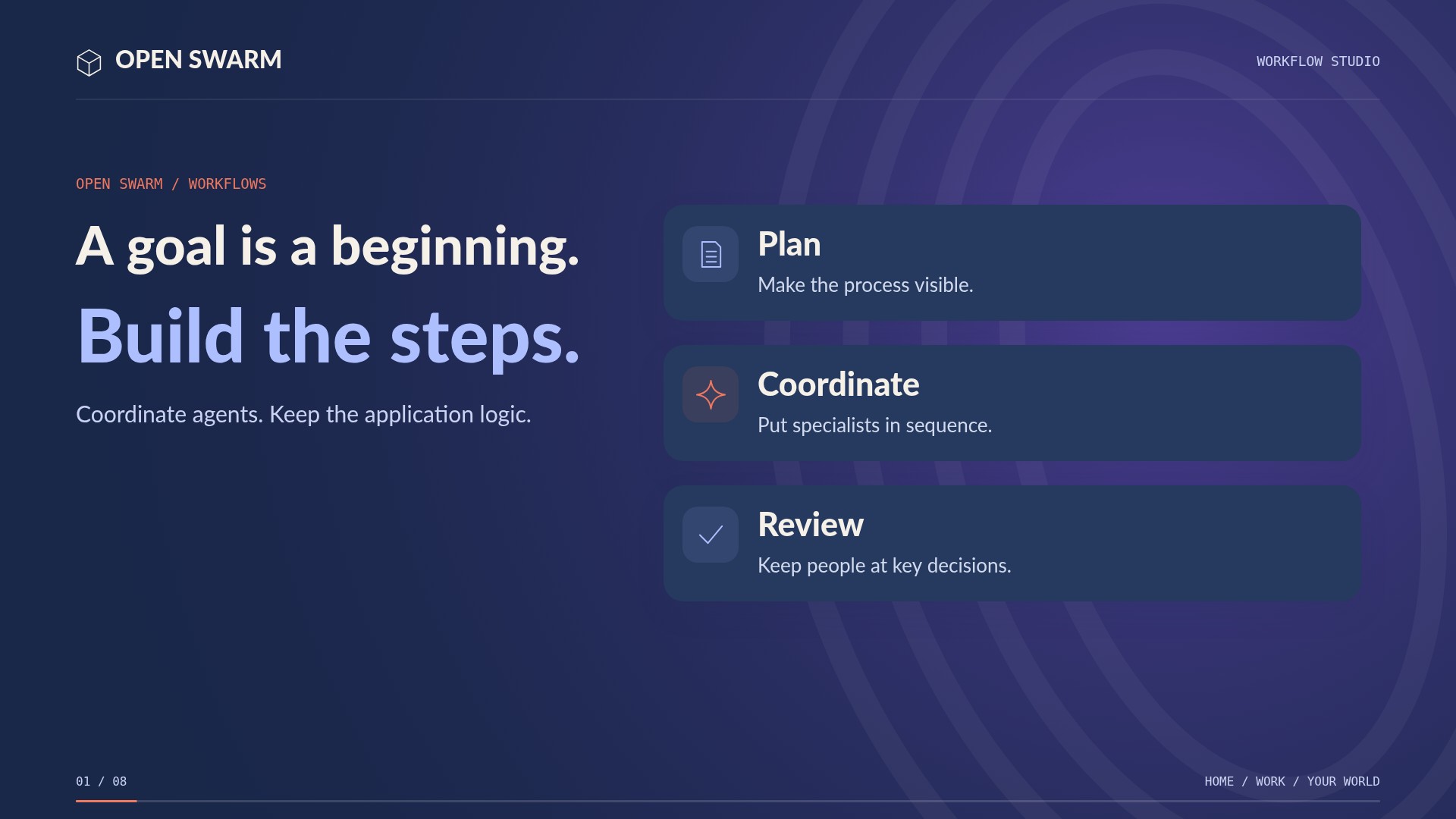
From a goal to repeatable work.
 1:05
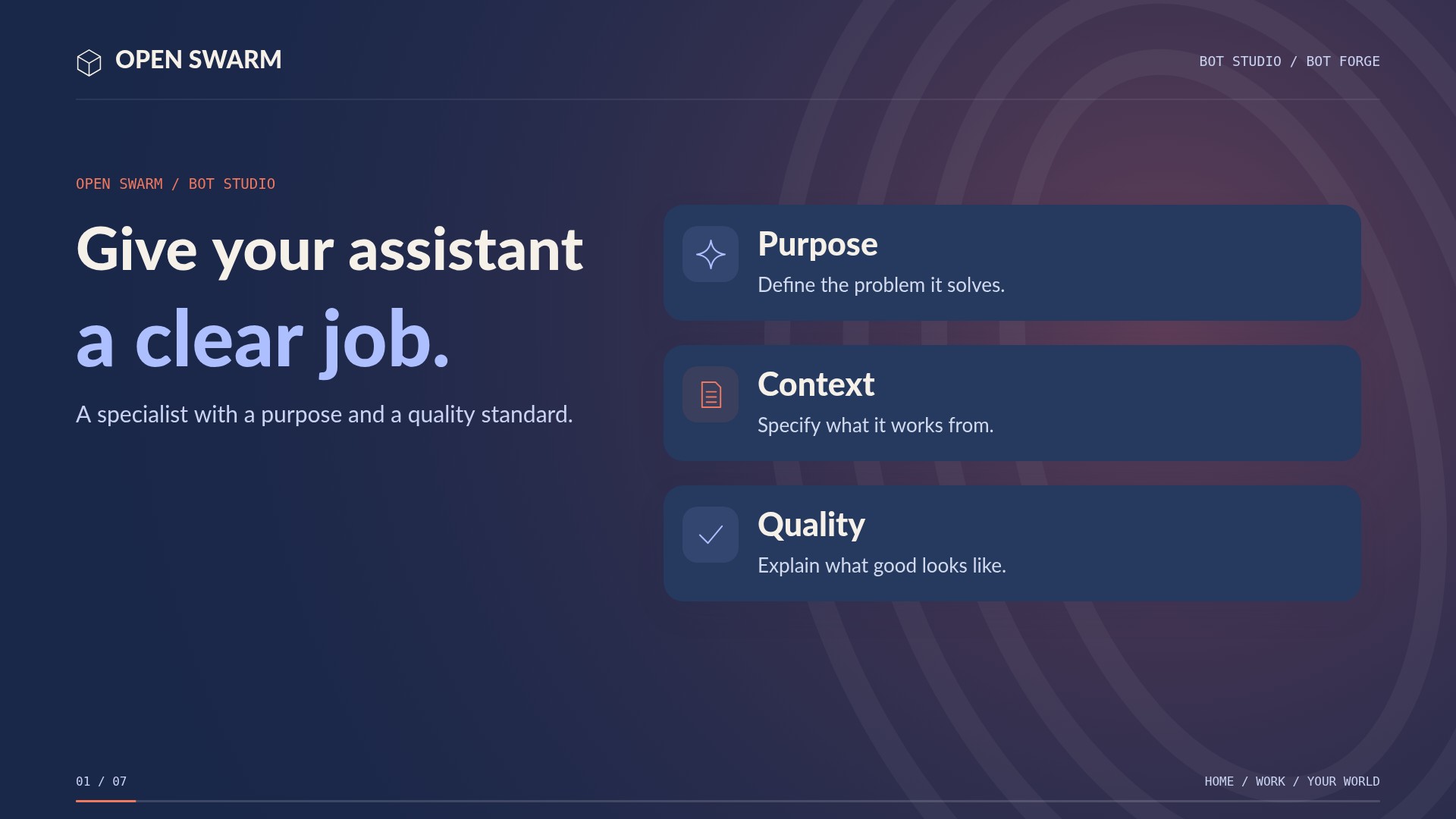
Give your assistant a clear job.
 1:10
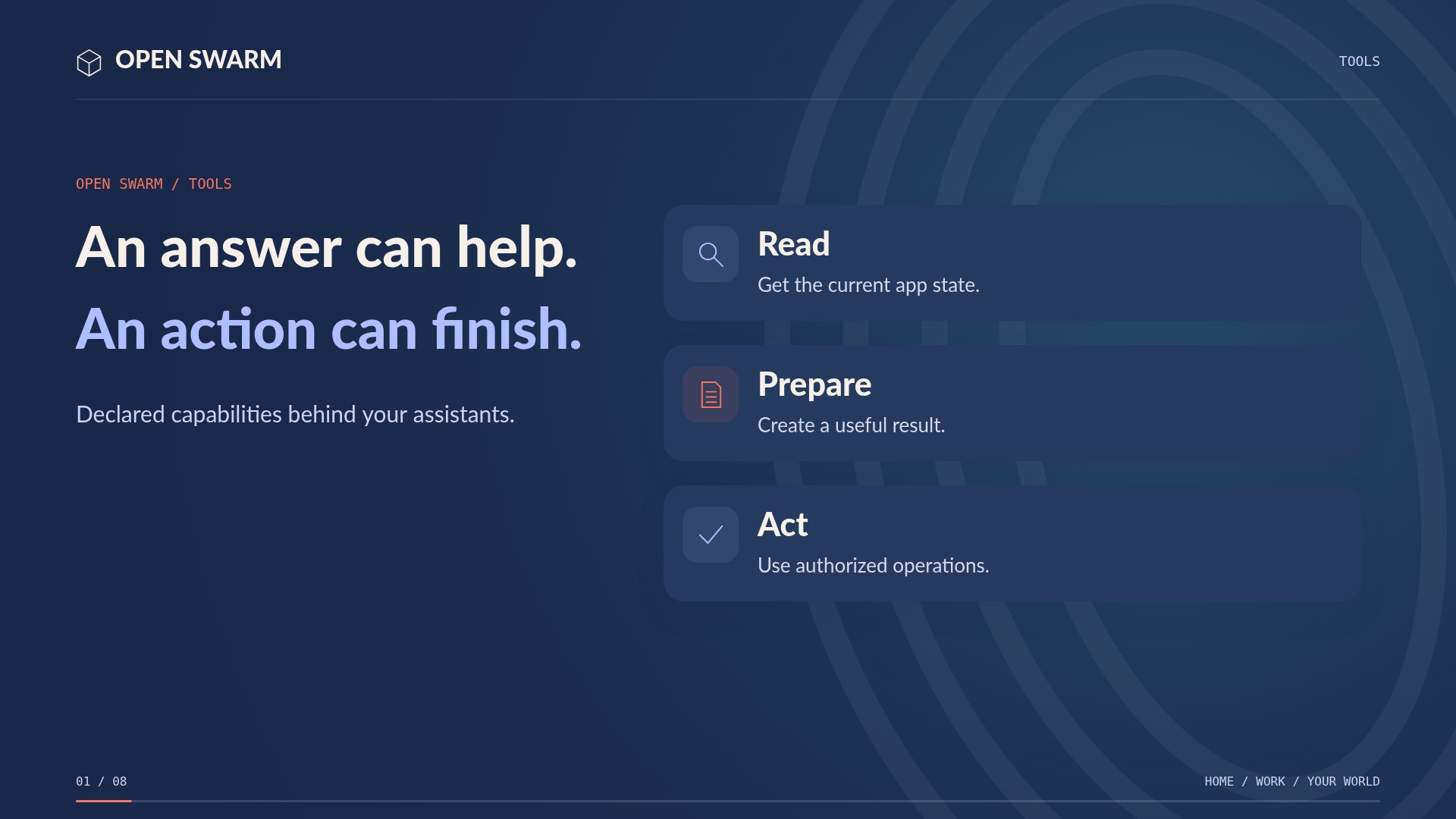
Turn useful answers into useful actions.
 1:24
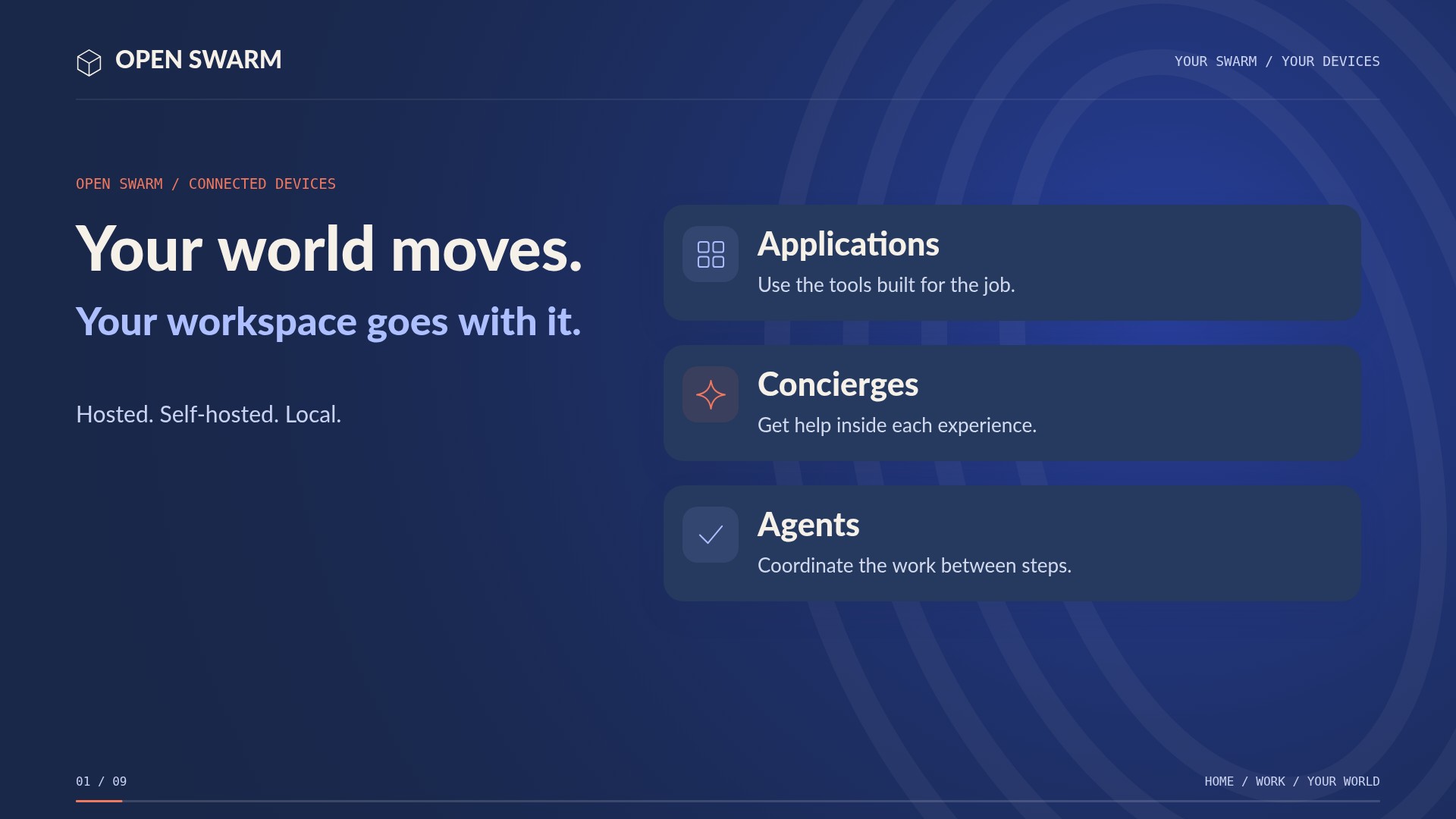
Hosted, self-hosted, and connected.
 1:51
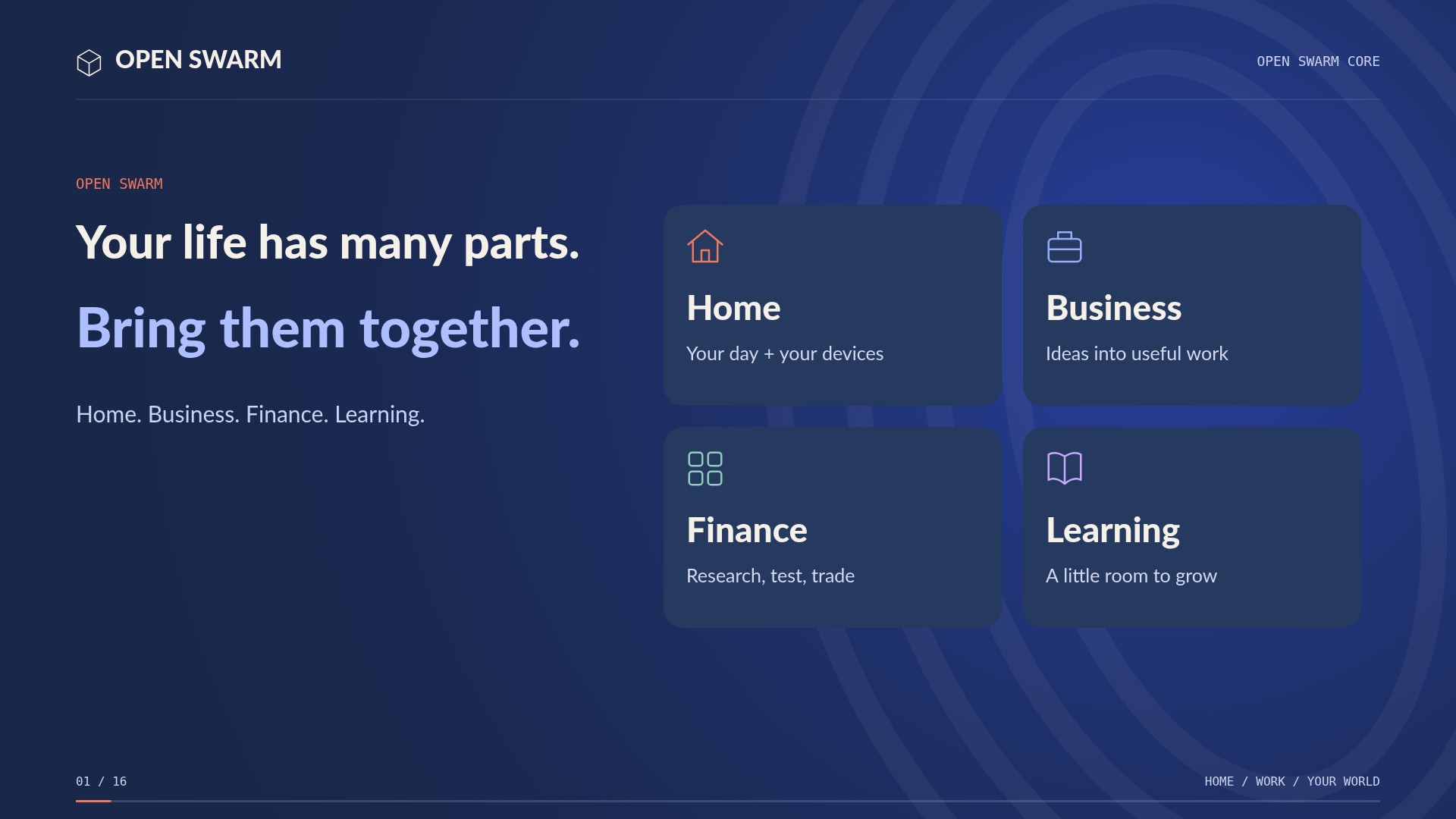
Home. Business. Finance. Learning.
 3:06
One platform. Separate worlds.
 3:22
Install the native kernel.
Meet your connected workspace