Learning
Little Monsters
Record the lecture. Turn it into study guides, decks, and flashcards. Keep assignments on the calendar.
Open Swarm is one workspace for real applications, embedded AI concierges, and the agents that connect them. Host it, self-host it, or run it at home with the AI provider you choose.
Hosted · Self-hosted · Local with Docker on Windows, Linux, or macOS
Actual product interfaces and outputs · configured capabilities vary · illustrative chains are labeled in the film
Each door opens a real application with sample data, a Plaid sandbox bank and a paper trading book. You get your own private copy, and it is erased after twelve hours.
Connect the provider you already pay for, or a local model. Credentials are sealed in the kernel vault and never handed to a model.
Documents, images, video, presentations, publications, and 3D scenes are real editors with the work in view. Make the quick change yourself, or describe it and let the embedded concierge apply supported edits through the application’s own tools.
Start with one useful application. Add more as your needs grow, in the same workspace.
Explore all 18 application areasRecord the lecture. Turn it into study guides, decks, and flashcards. Keep assignments on the calendar.
Find local and remote roles, tailor the résumé and cover letter to each one, then practice the interview.
See accounts and spending in plain English. Build a strategy, backtest it, paper trade, and deploy with your approval.
Keep the household list together, prepare the basket, and confirm delivery with a supported retailer.
Your task rarely fits inside one application. Jarvis connects the conversation to the tools, agents, and applications that can move it forward, and passes each result to the next step.
Type or speak the request and add a document when it helps. Jarvis brings in the context you choose to share.
Findings become a document, the document becomes a plan, the plan becomes calendar time, inside the permissions you set.
Review the result, approve the steps that need a person, and get the updates you asked for on your phone or messages.
Cross-application chains in the film are illustrative, not recordings of a completed end-to-end run. Access checks still apply.
Intelligent Operations brings signals, evidence, investigation, and response into one workspace. Business applications connect planning, campaigns, customers, and payroll or payment records the same way: approval-led, with the record kept.
Use a hosted workspace, operate your own deployment, or give a computer at home a useful new job. Local processing and local storage keep information on your computer; external model calls and connected services receive what you send them.
curl -fsSL https://oswarm.ai/install.sh | bashirm https://oswarm.ai/install.ps1 | iexOne command installs the dependencies and the product, then prints the sign-in address and your password.
Sign up and start in the browser. A host operates the deployment and chooses which applications are provided.
One command on Linux or macOS installs Docker when it is missing, then the kernel, PostgreSQL, your administrator and the application catalog.
The same one command in PowerShell: WSL and Docker Desktop are installed when they are missing, then the product.
Identity, permissions, approvals, AI budgets, and sealed credentials sit around every concierge and agent. The rest of the platform is there when you need it.
49 films with captions, chapters, transcripts, and downloads. Product screens are real; illustrations are labeled.
Browse all films 5:07OPEN SWARMYour world, working. On your terms.
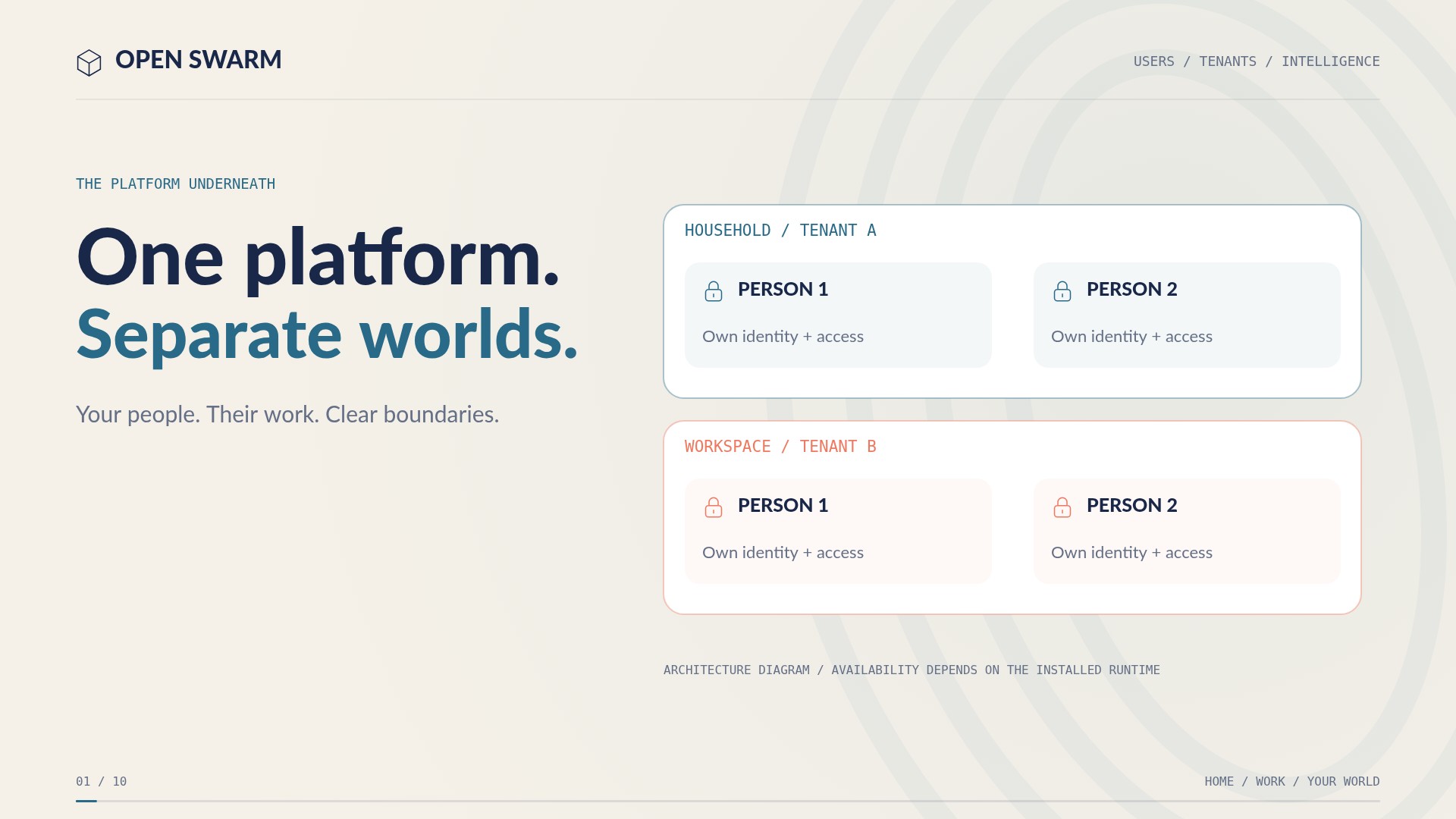 3:06USERS / TENANTS / INTELLIGENCEOne platform. Separate worlds.
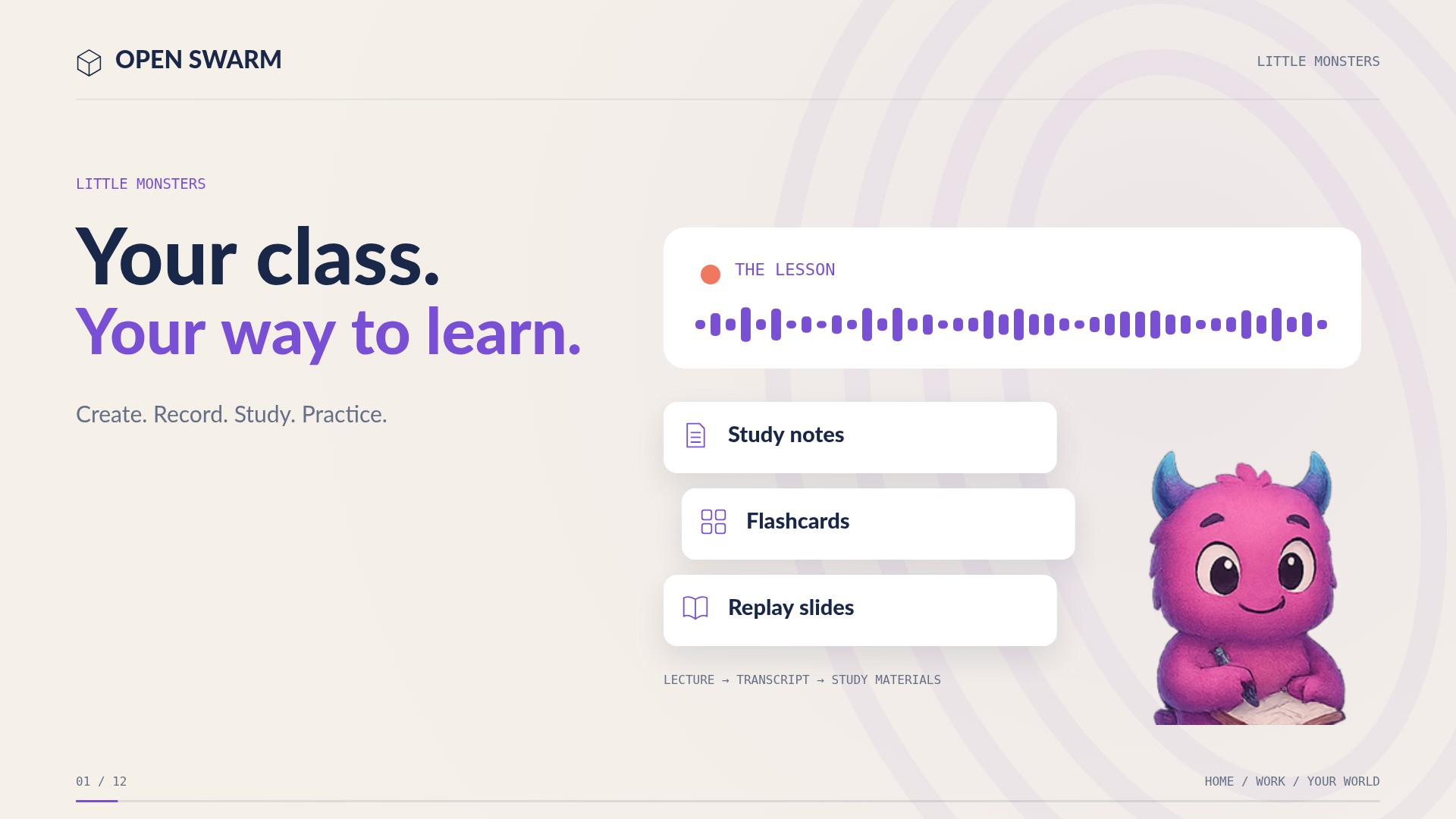 1:33LITTLE MONSTERSYour class. Your way to learn.
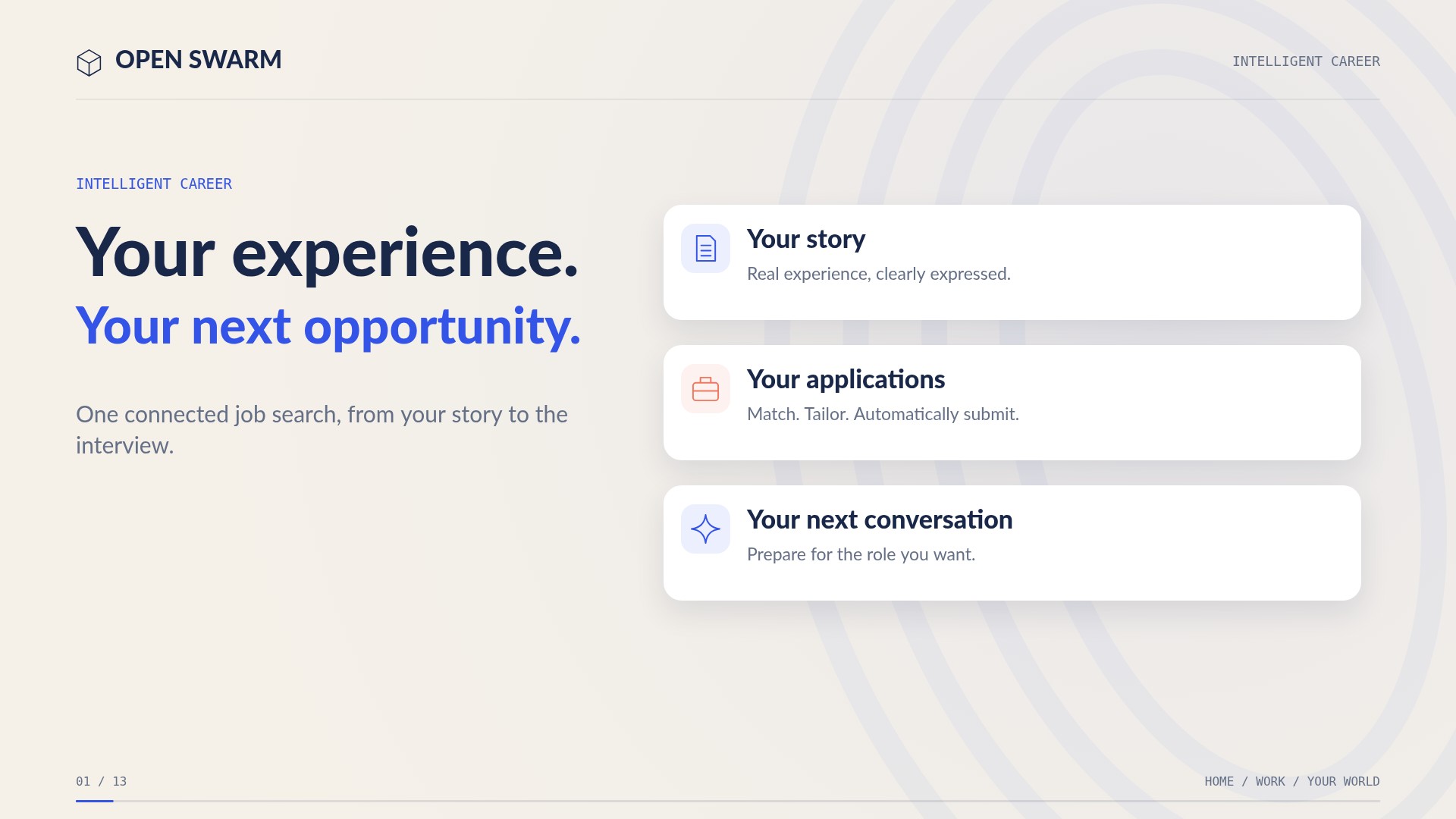 1:44INTELLIGENT CAREERFrom your story to your next role.
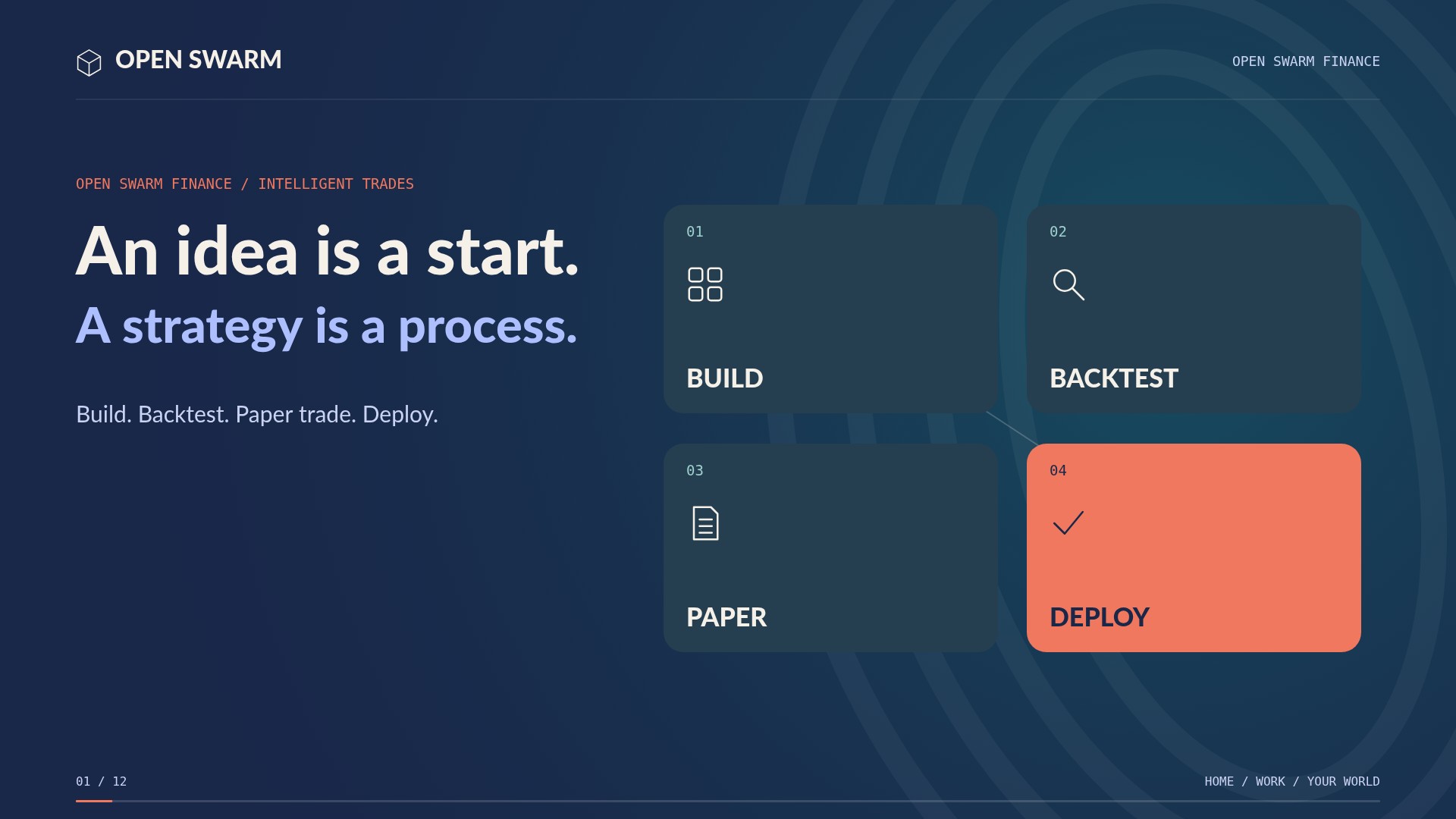 1:47OPEN SWARM FINANCEBuild. Test. Paper trade. Deploy.
 1:47INTELLIGENT OFFICEFrom an idea to an editable file.
 1:53CREATEYour complete creative workspace.
 1:20JARVISOne request. Many applications. Finished work.
 1:52INTELLIGENT OPERATIONSFrom alerts to verified action.
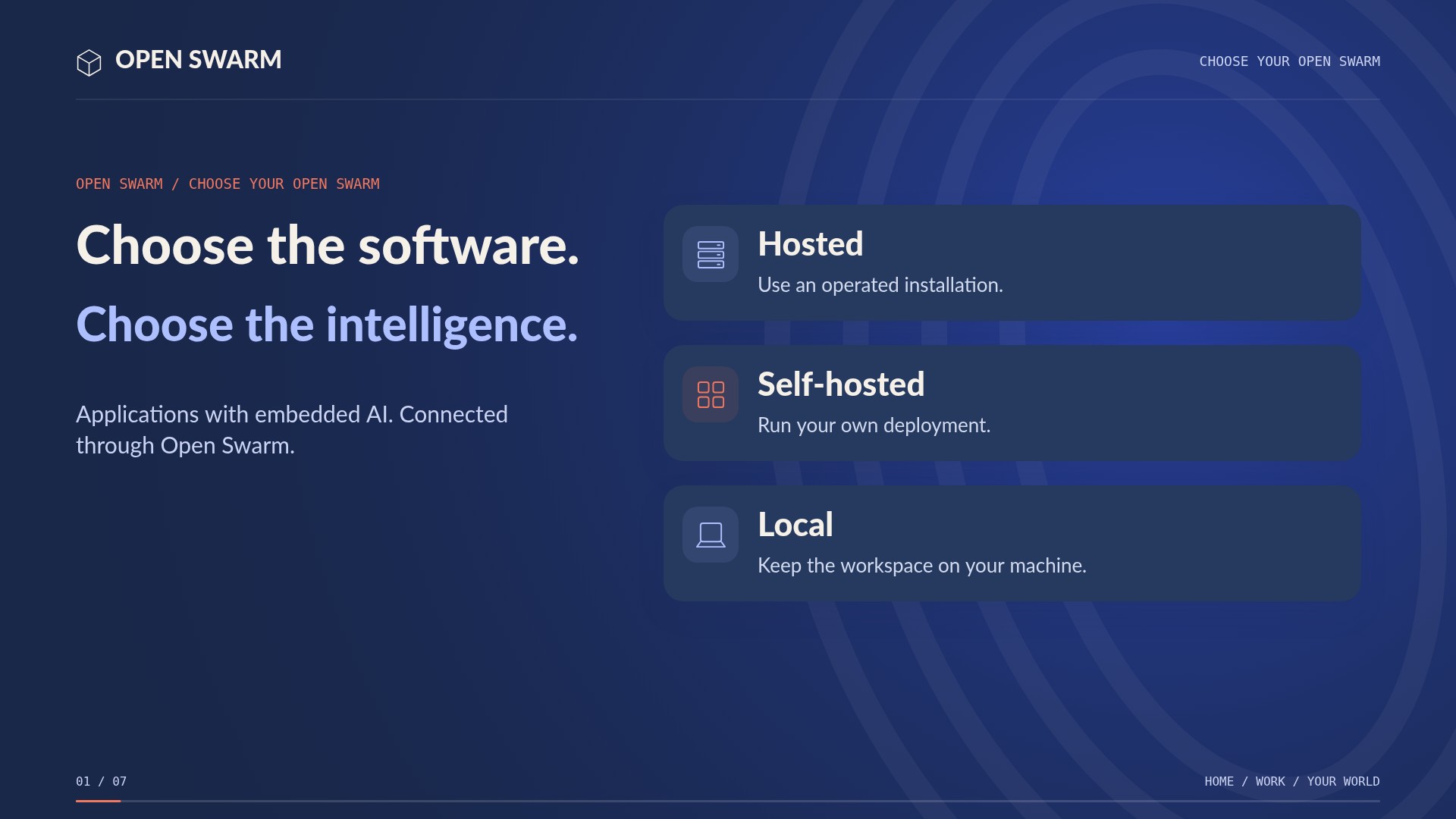 1:27CHOOSE YOUR OPEN SWARMChoose the software. Choose the intelligence.
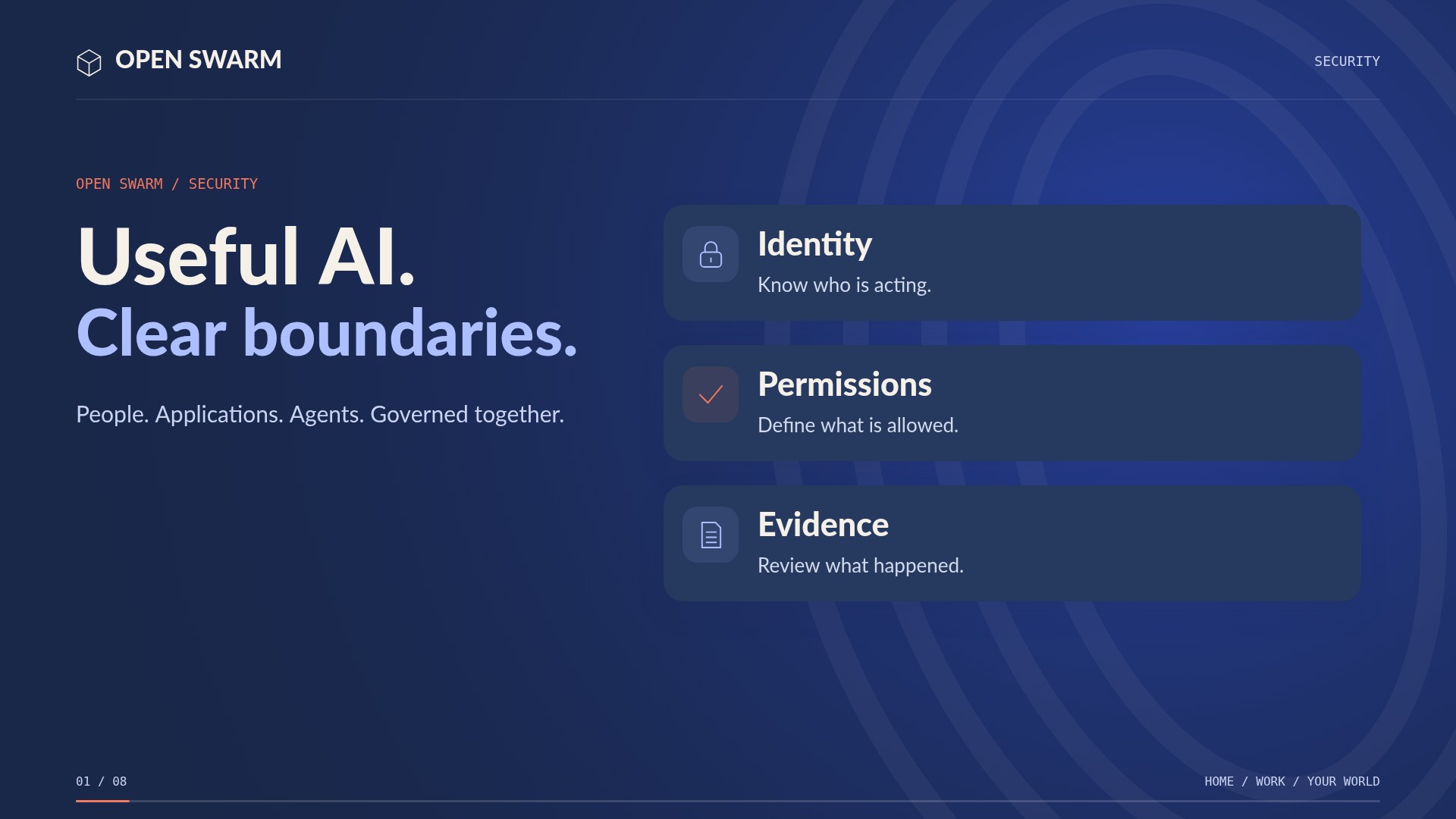 1:13SECURITYUseful AI. Clear boundaries.
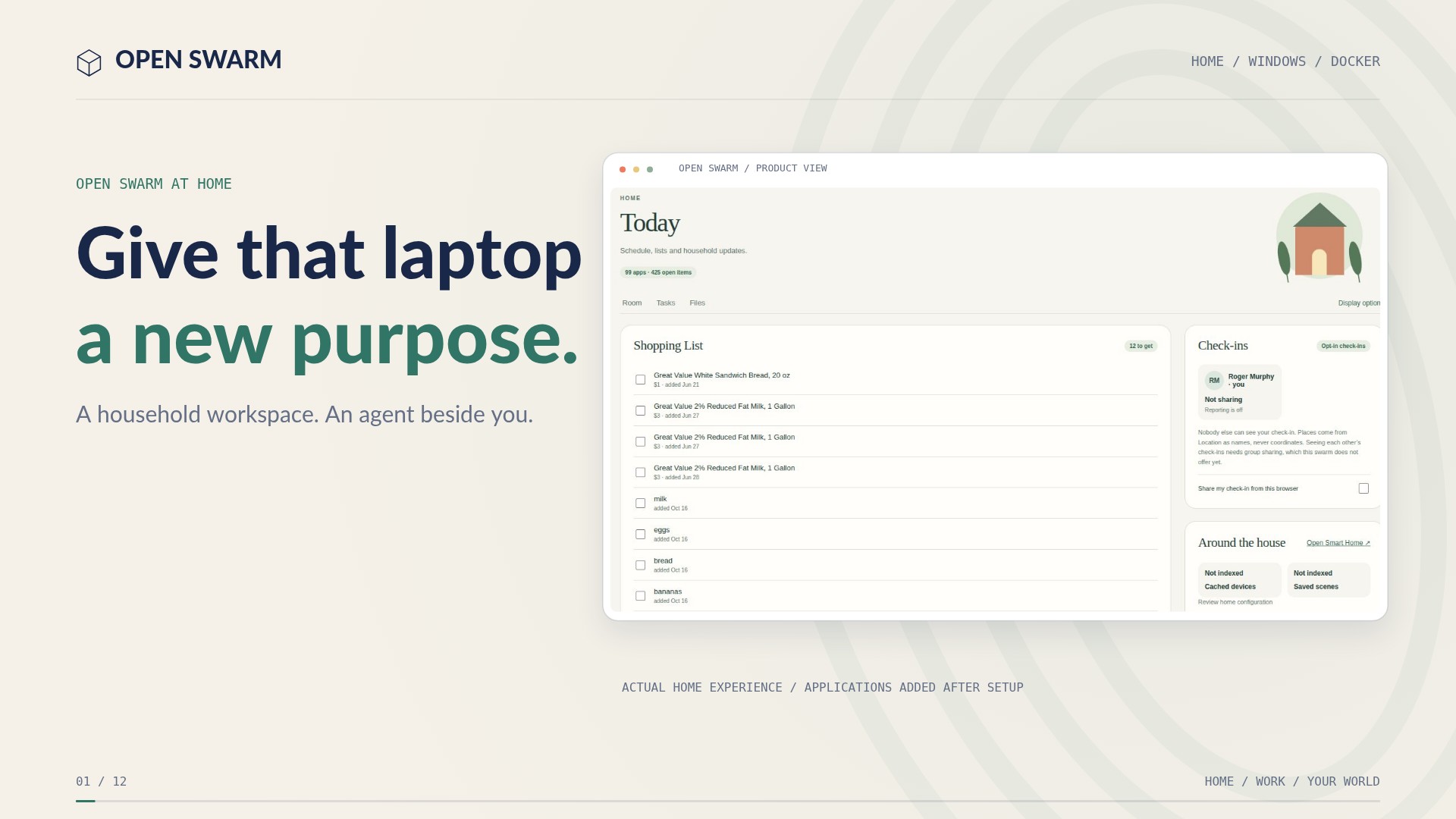 3:22HOME / WINDOWS / DOCKERInstall the native kernel.